Upgrading ExpressionEngine 2 or 3 to EE7: A Guide for Legacy Sites
Still on EE2 or EE3? You can upgrade straight to the latest version. The folder moves, add-on replacements and template checks that make it work.
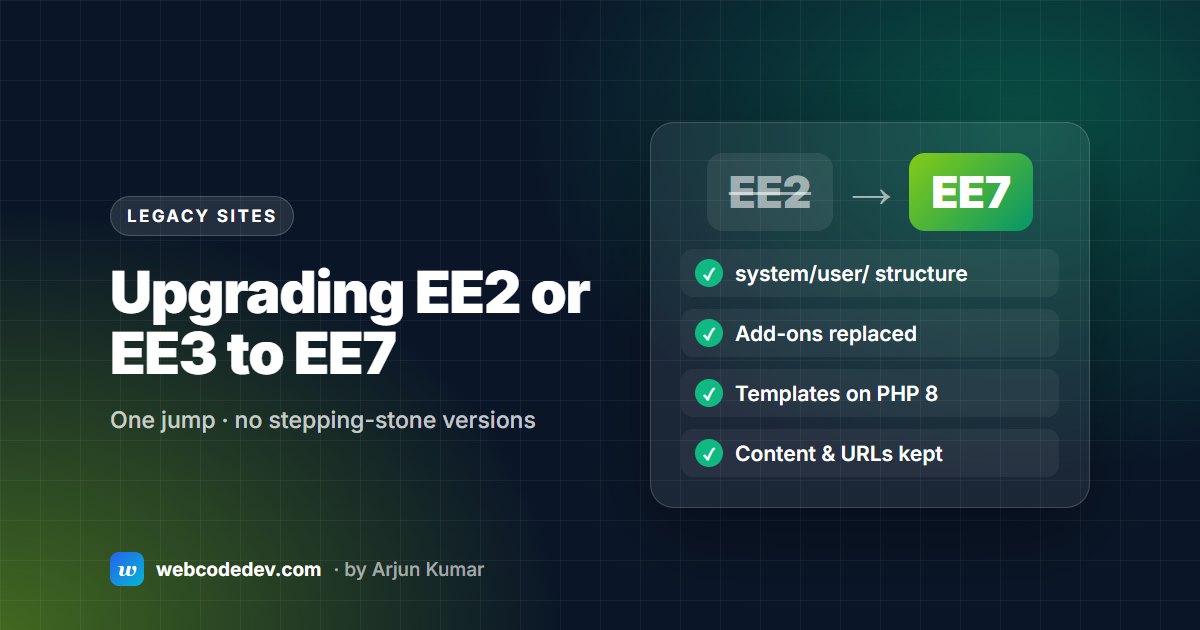
You can go from EE2 or EE3 straight to the current release, without installing every version in between. The real work is moving config and templates into the new system/user/ structure, replacing abandoned EE2 add-ons, and testing templates on a modern PHP version.
A lot of ExpressionEngine 2 sites are still running, often on servers held back on old PHP just to keep them alive. They work, until the host retires that PHP version or a security alert makes it urgent. The good news: since EE 5.4, the updater can take an EE2 site straight to the current version. Here's how the jump really works.
Why EE2 and EE3 sites are stuck on old PHP
EE2 was written for PHP 5. EE5 and older don't support PHP 8.2, which is now the oldest PHP branch that still gets security fixes. So an EE2 or EE3 site can't run any supported PHP version. Every month it stays put, the hosting gets riskier and harder to find. The October 2026 PHP security alert is a good example.
What changed between EE2 and EE3+
EE3 reorganised the folders, and every later version kept that layout:
- Your own files moved into
system/user/: config, templates, language files and third-party add-ons (system/user/addons/). - Core files live in
system/ee/, which you replace wholesale on future updates. - Database settings that lived in
database.phpmoved intosystem/user/config/config.php. - Add-on themes moved to
themes/user/, core themes tothemes/ee/.
The official update guide covers the exact file moves for EE2. In short: move your config, language, theme and template files into the new structure, rename the old system/, themes/, index.php and admin.php out of the way, upload the new versions, and run the update wizard.
The add-on question
This decides the project. Typical EE2-era add-ons fall into three groups:
- Still maintained: the developer released EE6/EE7 versions. Buy or download the update.
- Now built into core: Grid replaced most Matrix use, Relationships replaced Playa, and Fluid fields, File Grid and template routes cover a lot of what used to need add-ons.
- Abandoned: needs a replacement add-on or a small custom one, plus moving the stored content across.
Make the list before you quote, plan or touch anything. We start every legacy project with exactly this list.
Templates: what to check
- PHP in templates. If any template has PHP parsing on, that code must run on PHP 8. See common PHP 8 errors in EE.
- Removed tags and parameters. Old add-on tags will show as raw text, or break, once the add-on is gone. Search templates for every
{exp:addon_namebefore switching over. - Saved-as-files templates. Make sure the files in
system/user/templates/match what's in the database before you start, or you'll lose recent edits.
A realistic plan
- Audit: versions, add-ons, PHP in templates, hosting.
- Staging copy with its own database and system folder, on the target PHP version.
- Run the update on staging. Fix add-ons and templates.
- Content check with your editors: they know which pages matter.
- Go live on new hosting, or upgraded hosting, in a quiet window.
For a standard EE2 site this takes two to four weeks. The general steps are in our 7-step upgrade checklist, and typical prices in upgrade cost.
Or is it time to move on?
If most of the add-ons are abandoned and the design is ten years old, compare a rebuild or a move to WordPress before you commit. Our ExpressionEngine vs WordPress post helps you decide, and we're happy to quote both.
Frequently asked questions
Do I have to upgrade EE2 to EE3, then EE4, then EE5?
No. Since EE 5.4, the updater supports going from EE2 directly to the current version.
Will my content and URLs survive the upgrade?
Yes. Channels, entries, members and template groups are upgraded in place, so URLs stay the same. Content stored by abandoned add-ons is the exception and has to be moved to its replacement, which we plan for during the audit.