Fixing ExpressionEngine Errors on PHP 8: Real Examples
The PHP 8 errors we actually see on ExpressionEngine sites, from removed functions to strict types in bundled libraries, and how we fix each one.
When a host moves an ExpressionEngine site to PHP 8, the core usually isn't the problem. Supported EE versions run on PHP 8. The errors come from old add-ons, bundled libraries and custom code written for PHP 5 or 7. Here are the ones we fix most often, with the change that fixes each.
1. Call to undefined function create_function()
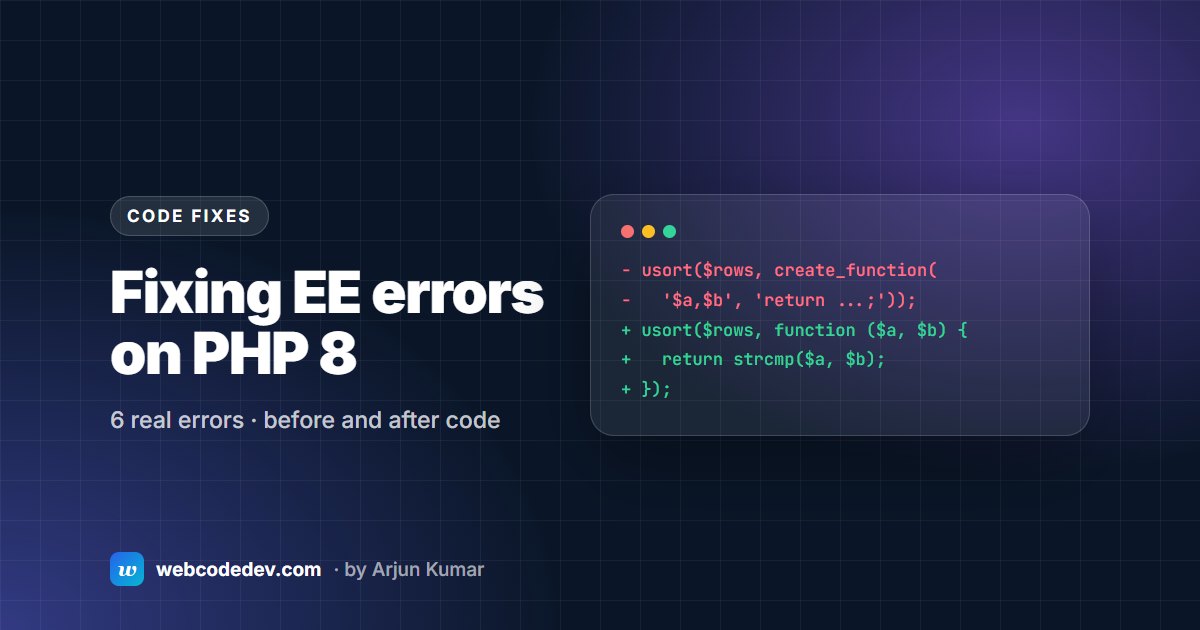
create_function() was removed in PHP 8.0. Old add-ons used it to build callbacks on the fly. Replace it with a closure:
// Before: fatal error on PHP 8
usort($rows, create_function('$a,$b', 'return strcmp($a["title"], $b["title"]);'));

// After
usort($rows, function ($a, $b) {
    return strcmp($a['title'], $b['title']);
});
2. TypeError inside a bundled library
PHP 8 is stricter about types passed to internal functions. On one multi-site EE 6.4 install, a licensed maps add-on threw a fatal TypeError inside its bundled Carbon date library on every page that loaded the site header, so the whole front end went down. The fix was to patch the call so it passed the type the library expected. Where an add-on's licence allows changes, a small patch like this is far cheaper than replacing the add-on.
3. Magic methods must be public
PHP 8 warns when magic methods such as __get() or __call() are declared private or protected. Older add-ons did this a lot:
// Before
private function __get($name) { ... }

// After
public function __get($name) { ... }
4. Passing null to non-nullable parameters
Since PHP 8.1, passing null to functions like strlen(), trim() or str_replace() raises a deprecation notice. On a site with debugging on, templates fill up with warnings. Cast the value, or give it a default:
$title = trim($row['title'] ?? '');5. Creation of dynamic properties is deprecated
PHP 8.2 deprecates setting properties that a class never declared. Declare the property in the class, or, for code you can't change yet, add the #[\AllowDynamicProperties] attribute to the class while you plan a proper fix.
6. Removed functions and syntax
Other PHP 8.0 removals that turn up in old EE code:
each(): replace withforeach.- Curly-brace string offsets like
$str{0}: use$str[0]. - Old-style constructors (a method with the same name as the class): rename to
__construct().
Not a PHP error, but often blamed on one
"The configured cookie domain does not match the site URL." We've seen this on staging copies after a PHP upgrade, and the cause wasn't PHP at all. The staging front controller still pointed at the live system folder and live database, so EE read the live site's settings. Give staging its own system folder and database, and the error goes away.
Upgrade errors that aren't PHP-related, such as stuck updaters, permissions and MySQL strict mode, are covered in ExpressionEngine upgrade failed?
How to find every problem before your host does
- Copy the site to staging and switch staging to the target PHP version.
- Turn on debugging in staging only, and load every template, form and control-panel screen.
- Check the PHP error log as well as the screen. Some errors only appear in AJAX requests.
- Fix, retest, and only then change PHP on live.
If you'd rather hand this over, our ExpressionEngine upgrade service covers PHP 8 fixes, and our support plans catch these problems before a host change does.