How to Upgrade ExpressionEngine: A 7-Step Checklist (2026)
The safe order for upgrading any ExpressionEngine site, EE2 to EE7: backups, add-on checks, staging, the updater, and what to test before going live.
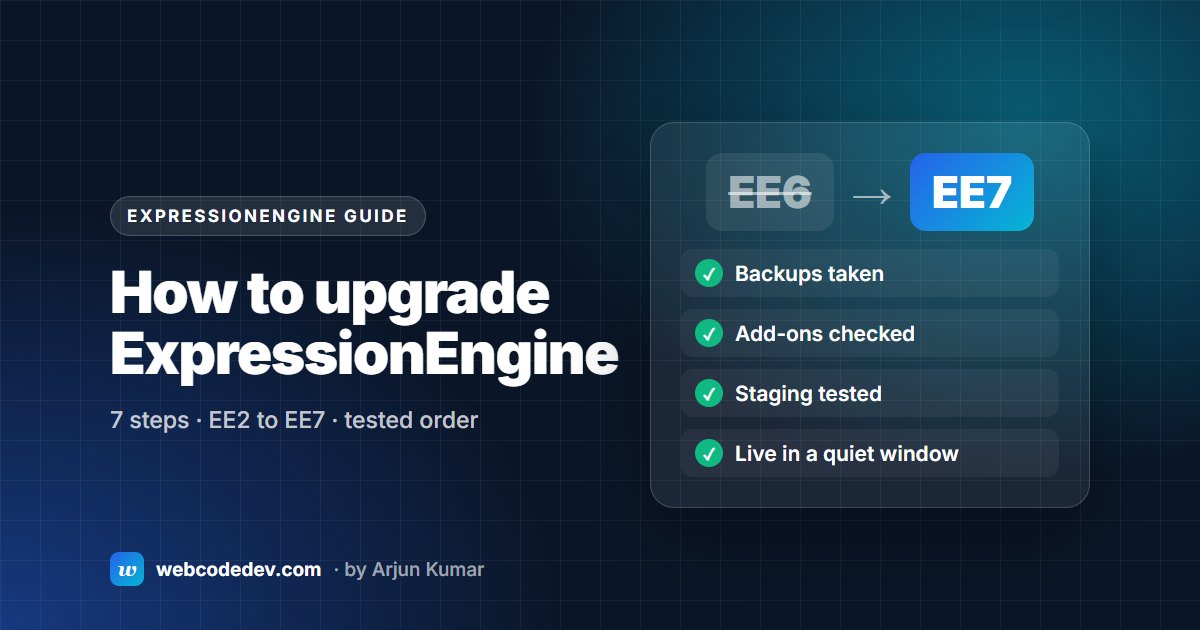
Back up files and database, check every add-on for a compatible release, copy the site to staging, run the updater there (one-click on EE4+, or php eecli.php update), test every template, then repeat on live in a quiet window. Since EE 5.4 you can go from EE2 straight to the current version, with no stepping-stone releases.
Most ExpressionEngine upgrades that go wrong don't fail because of ExpressionEngine. They fail because of an add-on nobody checked, a staging site that shared the live database, or a PHP change made on the same day. This is the order we follow on every upgrade. It works whether you're on EE6, EE5 or a ten-year-old EE2 site.
1. Find out exactly what you're running
Log in to the control panel. The version number is in the footer. Write down three things:
- The EE version, including the last digits. EE 6.4.15 and EE 6.1 behave differently on PHP 8.2.
- The PHP version. Your hosting control panel shows it, or ask your host.
- The MySQL or MariaDB version. Old EE2 add-ons often break on MySQL 5.7+ strict mode (more on that in our upgrade errors guide).
2. List every add-on and check it
Go to Developer → Add-Ons (or Add-Ons on older versions) and list everything installed, with versions. For each one, check the developer's site or the ExpressionEngine add-on store for a release that supports your target version.
You'll end up with three groups:
- Updated: download the new version.
- Replaced by core: many EE2-era add-ons now have a native equivalent (Grid, Relationships, Fluid fields, File Grid).
- Abandoned: needs replacing or patching. This is where most of the time goes on old sites.
The official docs are clear on this: an add-on that doesn't support the new version should be uninstalled and removed before you update.
3. Back up files and database
Take a full copy of the files (including system/, themes/, images/ and any upload folders) and a database export. Check the export actually opens. A backup you haven't tested is a guess.
4. Build a real staging copy
Staging needs its own database and its own system folder. The most common staging mistake we fix is a copied index.php that still points at the live system folder, so staging quietly reads and writes the live database. Then:
- Update the site URL, paths and cookie domain in staging's
config.php. - Block staging from search engines (a password on the folder is the simplest way).
5. Run the update on staging
Pick the method that suits your version:
- EE4 and newer: one-click. Click the version number in the control panel footer, then Update Now.
- Command line. From the
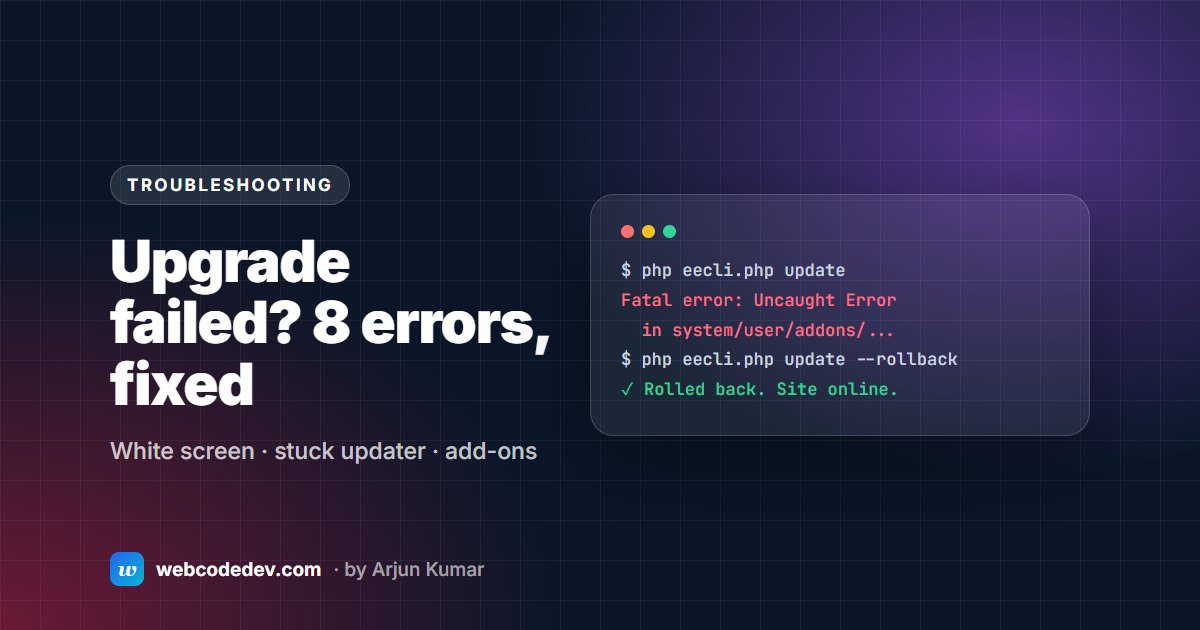
system/eefolder runphp eecli.php update. It avoids browser timeouts on large databases, andphp eecli.php update --rollbackis there if it fails. - EE2 and EE3: manual. Upload the new files, then visit the control panel to run the update wizard. From EE2 you also move your config, templates and language files into the new
system/user/folder first. We cover this in Upgrading ExpressionEngine 2 or 3.
When it finishes, remove or rename system/ee/installer/ if the updater didn't.
6. Test like a visitor and like an editor
Turn on debugging in staging only, then:
- Load every template group, including search results, 404, RSS and any AJAX endpoints.
- Submit every form: contact, search, member login, comments, store checkout.
- In the control panel, open and save an entry in every channel. Field type problems often only show on save.
- Watch the PHP error log, not just the screen.
7. Go live in a quiet window
Repeat the same steps on live at your quietest hour, with a fresh backup taken minutes before. Keep the old files and the database export until the site has run cleanly for a couple of weeks.
How long does it take?
A tidy EE6 site with maintained add-ons can be upgraded and tested in a day or two. An EE2 site with abandoned add-ons and PHP in templates can take a few weeks, because each of those needs a fix or a replacement. We list typical prices in ExpressionEngine upgrade cost.
Should you wait for ExpressionEngine 8?
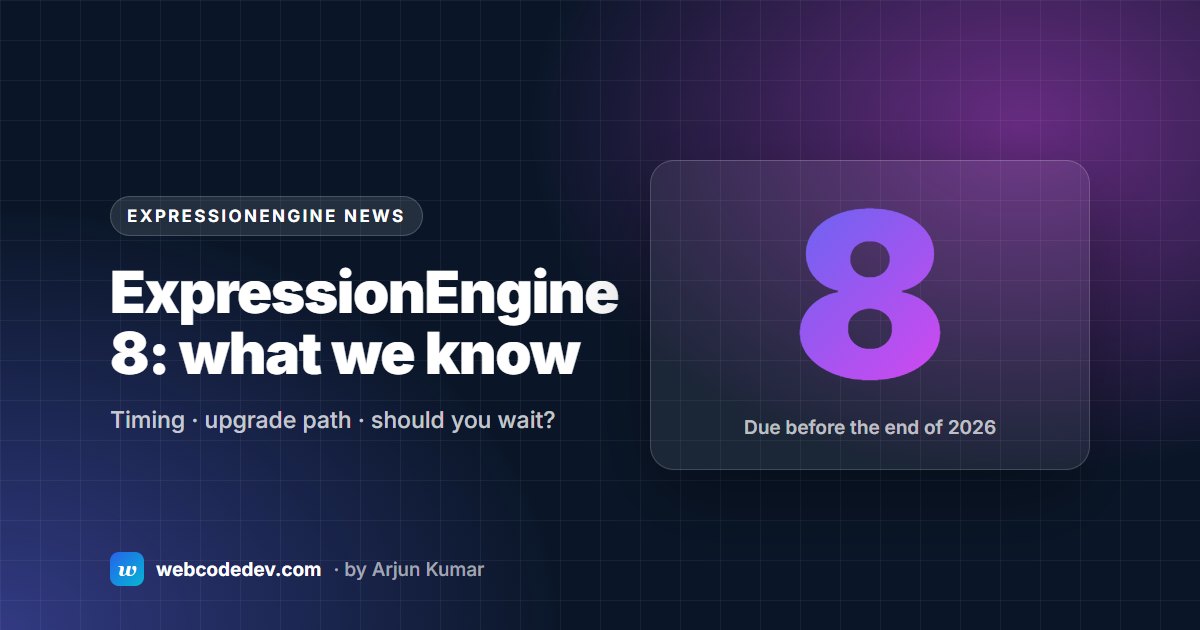
No. The EE team expects EE8 before the end of 2026, and has said there are no known breaking changes between EE6 and EE8. Upgrading to the latest EE7 now gets you onto a supported, PHP 8.2-ready release, and leaves a short step to EE8 later. See ExpressionEngine 8: what we know.
Frequently asked questions
Can I upgrade from ExpressionEngine 2 directly to the latest version?
Yes. Since EE 5.4, the updater can take an EE2 site straight to the current release. You don't need to install EE3, EE4 and EE5 in turn. The work is in the add-ons and templates, not the version jumps.
Will upgrading ExpressionEngine break my site?
Not if you upgrade a staging copy first. Breakages almost always come from add-ons without a compatible release, or from PHP code in templates. Both show up on staging before visitors ever see them.
Do I need to pay for the upgrade?
ExpressionEngine itself is free to download. A current Pro licence includes EE8 with no separate upgrade fee. Paid add-ons may need a new licence for a new major version, so check each one.
Can you upgrade it for me?
Yes. Our ExpressionEngine upgrade service starts with a free audit and a fixed quote.