ExpressionEngine vs WordPress in 2026: Upgrade or Migrate?
An honest comparison from a developer who builds in both, and a simple way to decide whether to upgrade your EE site or move it to WordPress.
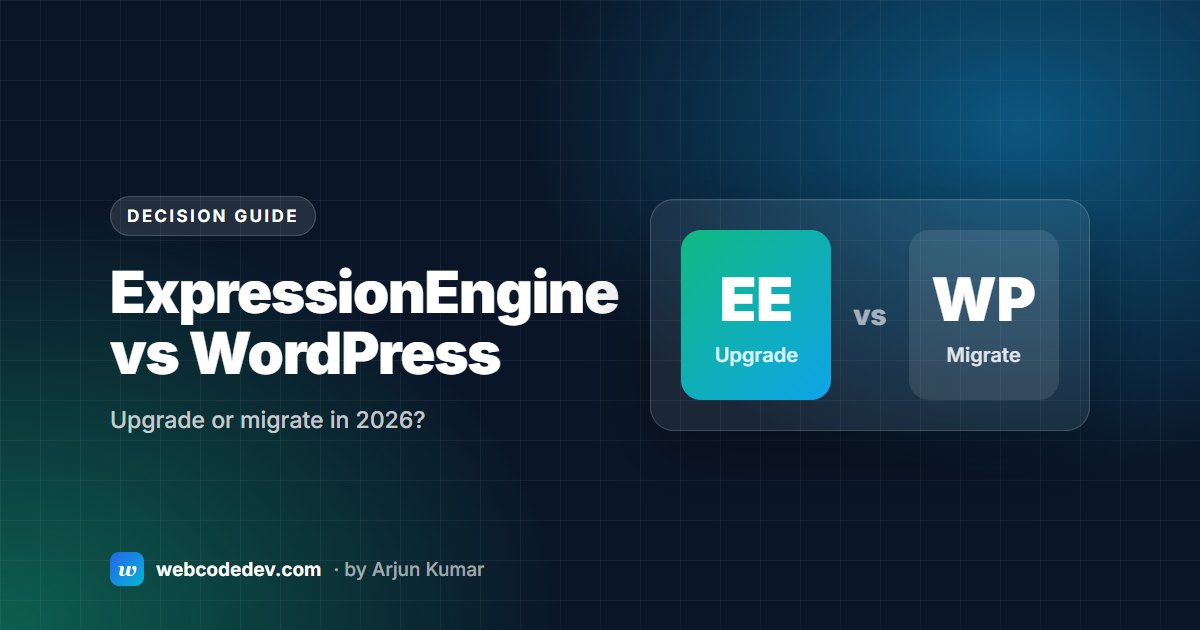
If you run an ExpressionEngine site, the end of EE6 support on 31 December 2026 forces a decision: upgrade to ExpressionEngine 7, or move to WordPress. We build in both, so here is how we'd decide.
How they differ
ExpressionEngine is built around channels and custom fields. You design the content model first, then write templates for it. It suits sites with structured content: directories, publications, member organisations, multi-site setups. Editors get exactly the fields they need and nothing else.
WordPress starts with posts and pages and adds structure through plugins and custom post types. Its strength is the ecosystem: almost any feature, from shops to bookings to memberships, exists as a plugin, and most web teams already know it.
Where ExpressionEngine is the better fit
- Your content model is complex, and editors are happy with the current control panel.
- You run several related sites from one install with Multi Site Manager.
- You want fewer moving parts: one CMS, a small set of add-ons, no plugin sprawl.
- The site works, and the only problem is the version it's on.
In these cases an upgrade to EE7 is usually cheaper than a migration, because the content model, templates and URLs stay as they are.
Where WordPress is the better fit
- Your team already uses WordPress on other sites.
- You need a feature that a mature WordPress plugin already provides.
- Your EE add-ons are abandoned, and replacing them would cost more than moving.
- The site is due a redesign anyway.
The decision at a glance
- Upgrade to EE7: content model and design still fit; add-ons have EE7 versions. Watch out for abandoned add-ons that need replacing.
- Rebuild on EE7: an EE1 or EE2 site, heavy PHP in templates, redesign due. Watch out for higher upfront cost and content-import planning.
- Migrate to WordPress: your team already uses WordPress, or you need its plugins. Watch out for URLs: every old address needs a 301 redirect, or you lose rankings.
If you migrate, protect your rankings
The most common migration mistake is changing URLs without redirects. List every URL on the old site before you start, decide where each one goes, and set up 301 redirects at launch. Then watch Search Console for 404 errors for a few weeks. Our ExpressionEngine to WordPress migration process is built around that redirect map.
Not sure which way to go? Send us your site URL and we'll tell you honestly which option fits, in a free audit.