ExpressionEngine Security Checklist: 12 Checks for 2026
Twelve practical checks to keep an ExpressionEngine site secure: versions, PHP, add-ons, admin accounts, uploads, backups and server settings.
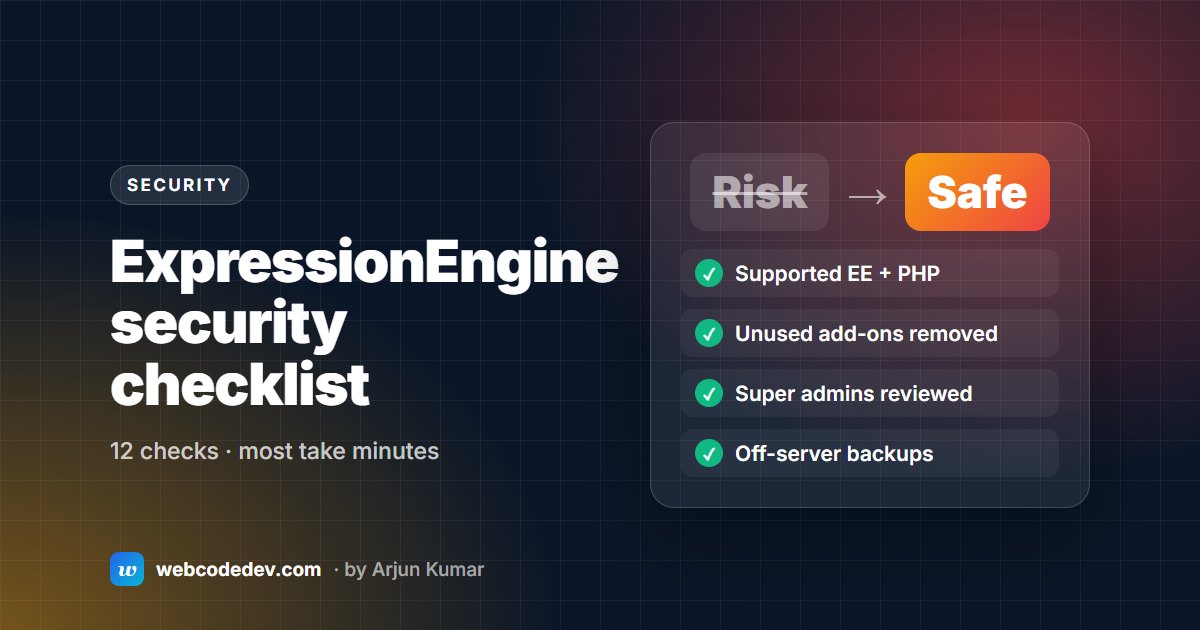
Keep EE and PHP on supported, patched versions, remove unused add-ons, cut super admin accounts to the minimum, restrict file uploads, turn off debug output on live, and keep tested off-server backups. Those six checks prevent most of the hacked EE sites we clean up.
Most ExpressionEngine sites we clean up after a hack weren't attacked through EE itself. They were attacked through an old version, an abandoned add-on or a forgotten admin account. This checklist covers what to look at, in priority order. Most checks take a few minutes in the control panel.
Versions
1. Run a supported ExpressionEngine version
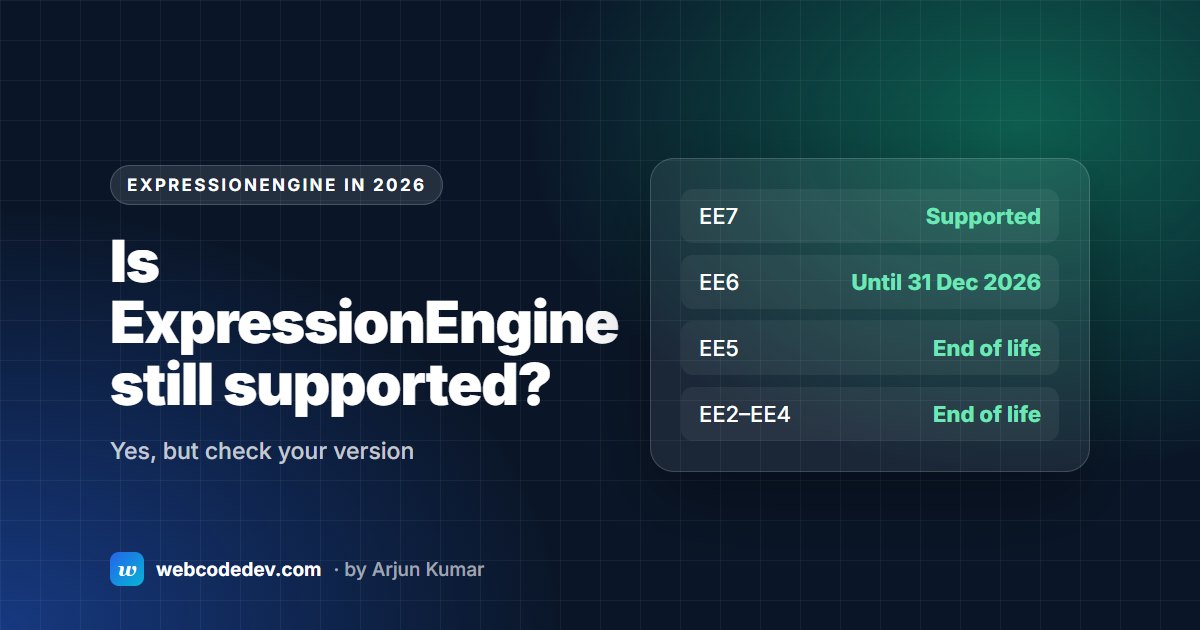
Check the version in your control-panel footer against the support table. EE7 is fully supported. EE6 gets security fixes only until 31 December 2026. EE5 and older get none. See Is ExpressionEngine still supported?
2. Run a patched PHP version
Being on "PHP 8.2" isn't enough. After the October 2026 PHP fixes, you need at least 8.2.35, 8.3.36, 8.4.27 or 8.5.12. Ask your host to confirm. Details in our PHP security alert post.
3. Update add-ons, and remove the ones you don't use
Every installed add-on is code that can have a vulnerability, even if no template uses it. Update what you need. Uninstall and delete what you don't. Replace anything abandoned.
Accounts
4. Keep super admins to a minimum
Review your Super Admin member group (called a role since EE6). Former staff, old agencies and test accounts should be removed or downgraded. Editors rarely need super admin access.
5. Use strong, unique passwords and limit login attempts
Check the security settings for password rules and login lockouts. A password manager for everyone with control-panel access stops most credential attacks.
6. Move or protect the control panel
Rename admin.php to something less predictable, and update links your team uses. If your team works from fixed locations, restrict access by IP at the server.
Files and uploads
7. Restrict upload directories
Each upload directory should allow only the file types it needs (images only for image folders). PHP files should never be uploadable, and upload folders shouldn't execute PHP.
8. Remove installer files
system/ee/installer/ should not exist on a live site after an install or upgrade.
9. Check file permissions
Folders usually 755, files 644, and only the folders EE must write to, like system/user/cache/ and upload folders, writable by the web server. Never 777.
Settings and server
10. Turn off debug output on live
Debugging shows file paths and queries to anyone who triggers an error. Keep $debug at 0 in index.php and admin.php, and debug settings off in config.php on production.
11. HTTPS and security headers
Force HTTPS, then add HSTS once every subdomain has a certificate. Add X-Content-Type-Options, Referrer-Policy and X-Frame-Options headers. Most can be set in .htaccess.
12. Tested, off-server backups
Daily database backups and regular file backups, stored somewhere other than the web server, and restored to staging at least once to prove they work. After a hack, a clean backup is the fastest way back.
Signs your site may already be compromised
- Redirects you didn't set up, especially only for mobile visitors or visitors from Google.
- Spam pages showing in Google results for your domain.
- Admin users you don't recognise.
- Files with odd names in upload or cache folders.
If you see any of these, don't just delete files: find how they got in first. Our security audit and cleanup service does exactly that, and emergency support is there if the site is down.
Frequently asked questions
Is ExpressionEngine secure?
A current, well-maintained EE7 site is secure. Most compromised EE sites run old versions, unpatched PHP or abandoned add-ons.
How often should I run security checks?
Version and add-on checks monthly, and a full review like this once a year or after any staff or agency change. A care plan covers the monthly part.